Turn your landing page into a scroll story
northwind.example.comExample output
 Made with Claude Code · Skill
Skill, Members
Works with Claude, Claude Code, ChatGPT and 18 more
 Made with Claude · Boilerplate
Web page
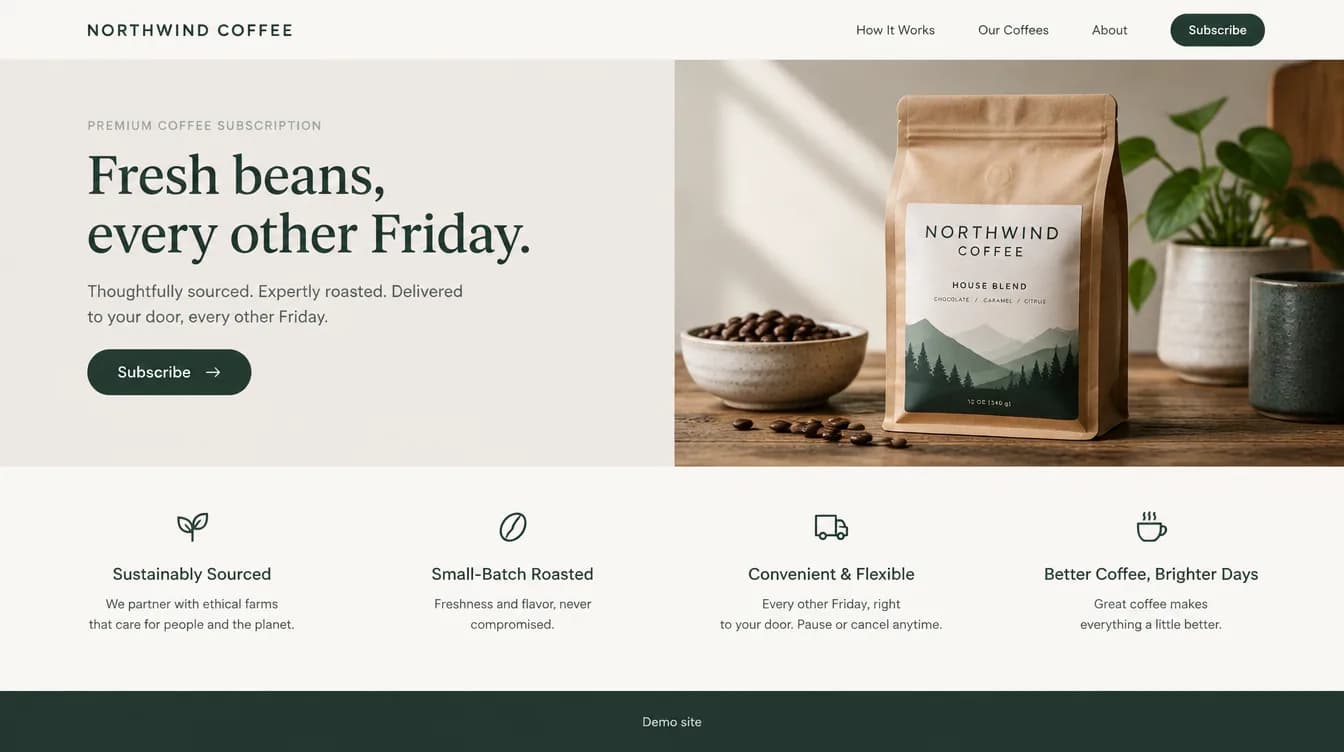
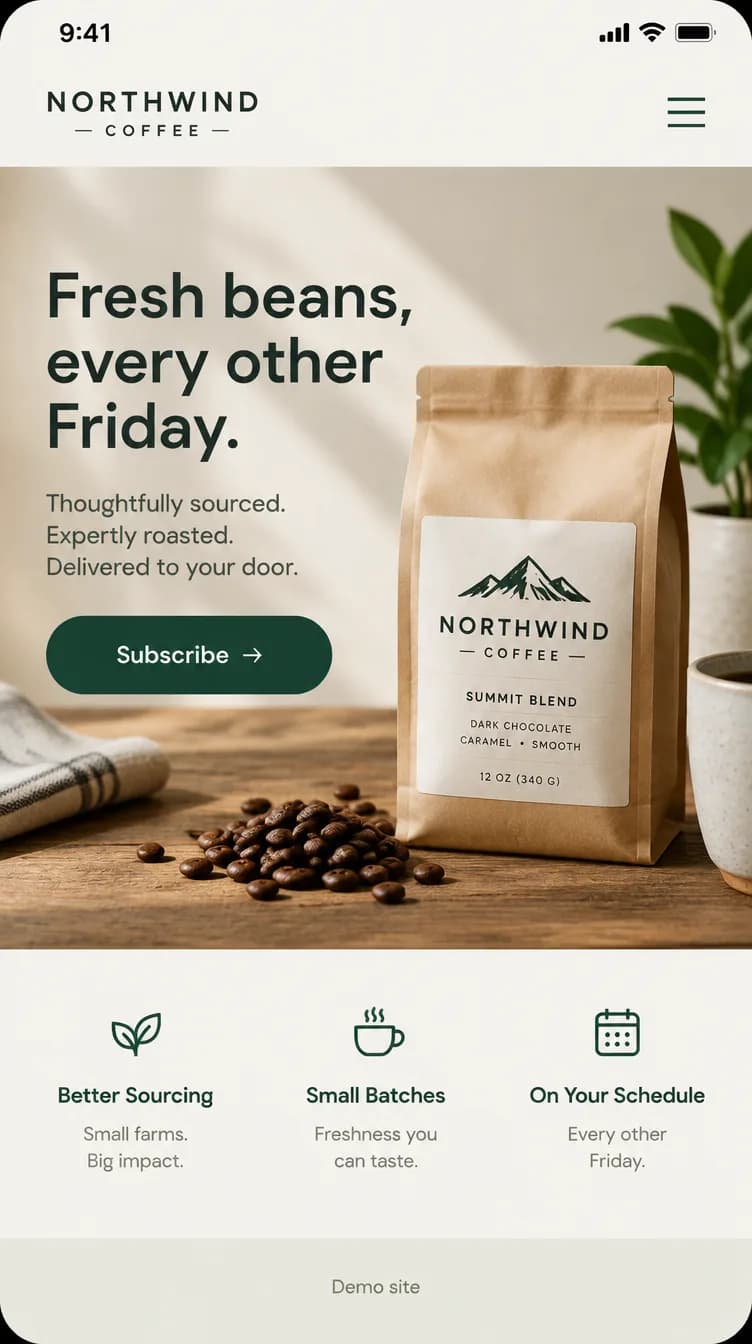
Northwind Coffee landing page. Mockup of the finished page for a made-up coffee subscription, drawn with GPT Image 2.5 from a prompt written in Claude.
 Made with Claude Code · Boilerplate
Web page
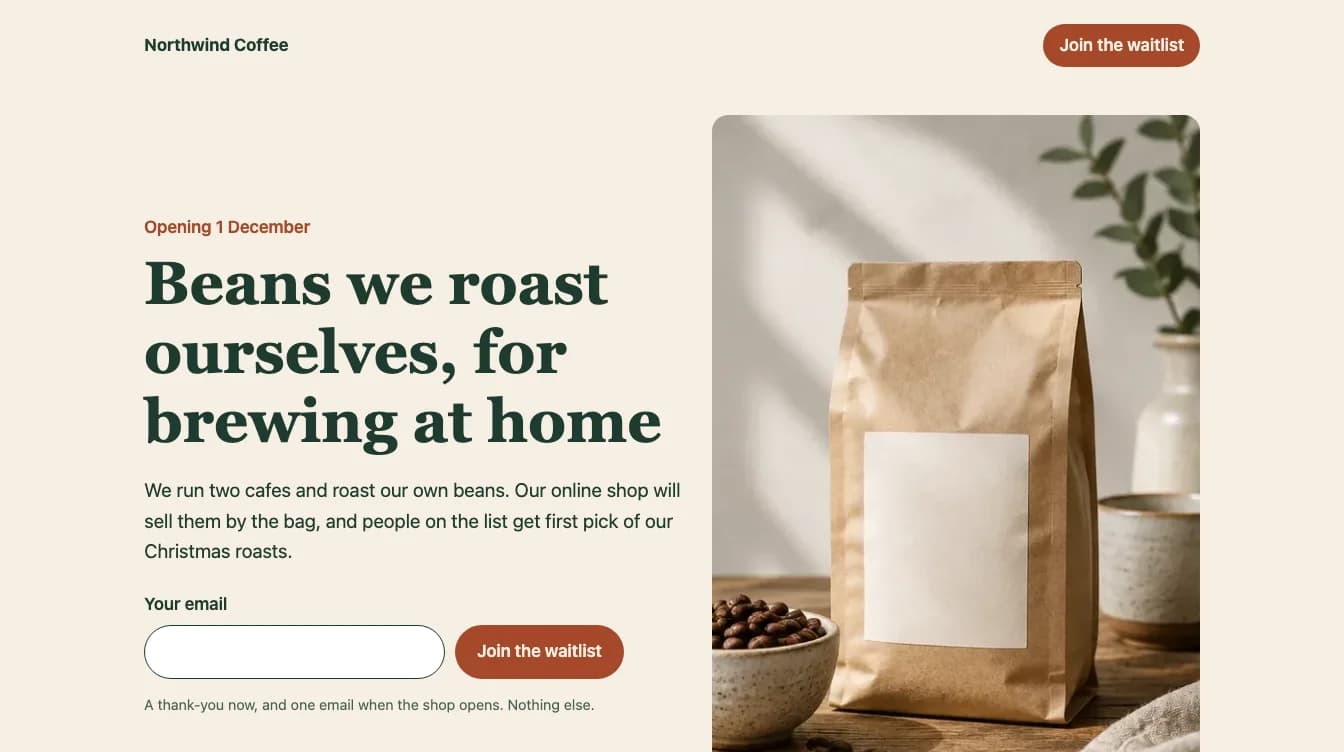
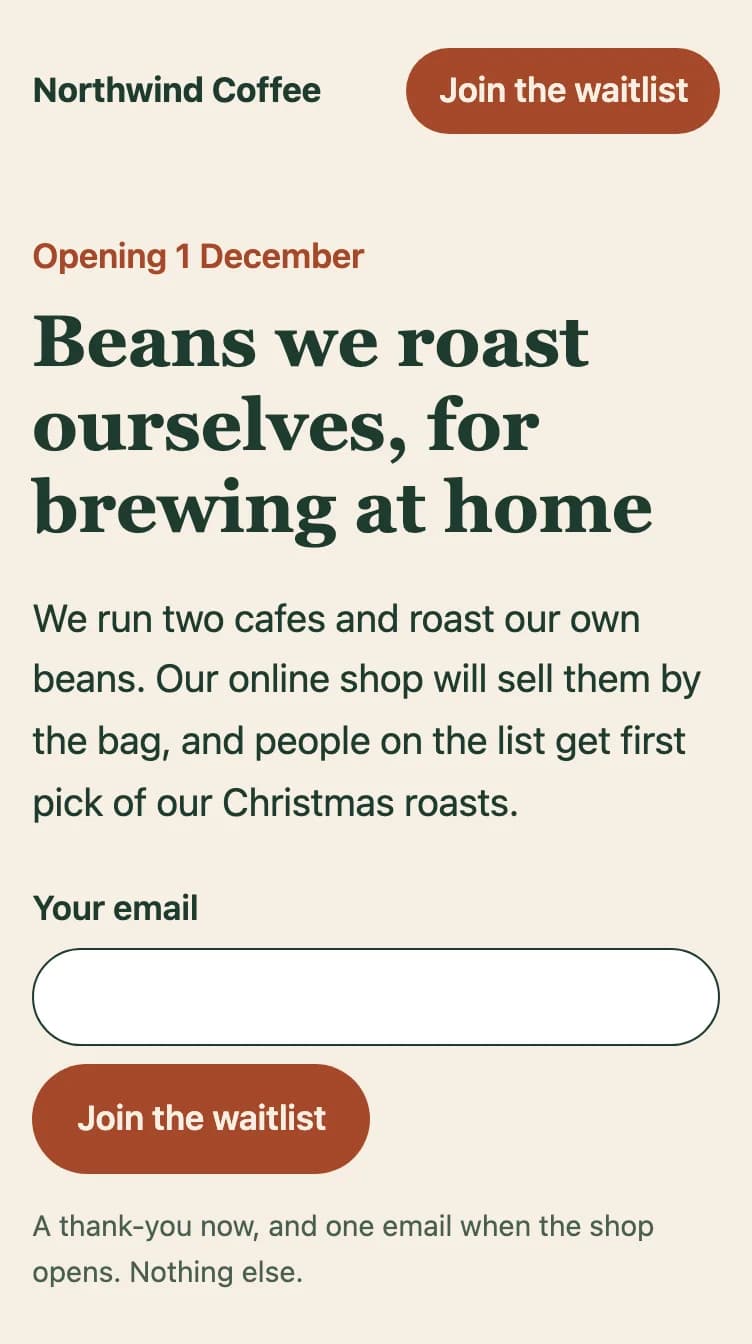
Northwind Coffee waitlist page. The waitlist version as Claude Code filled it in, screenshotted as built, before a form service was connected. Photo from the mood board example.
Works with
Claude Code Cursor
 Codex
CodexNot affiliated with or endorsed by the companies shown.
Web and landing pagesBoilerplateMembers
A ready landing page folder your coding agent fills in with your business, then helps you put online.
Version 1.1Updated 12 Oct 2026
Membership also includes Build a brand kit in an afternoon and Set up the system behind your business.
A first website usually stalls on the setup. This is plain HTML and CSS your coding agent fills in from a few sentences about your business, so a finished one-page site takes about an hour (our estimate), with nothing to install or keep updated.
A one-page site folder that your coding agent fills in for you. Open it in Claude Code or Cursor, say what your business does, and the agent writes the headline, sections and contact details, swaps in your photos and checks the page on mobile.
Not open yet? Choose the waitlist version: the same page with an email sign-up in place of the main button, plus the two emails to send people on the list. When you are ready, GO-LIVE.md walks you through putting the page online with a free host, step by step, and adding your own domain if you want one. Tools come from their own sites, with their costs listed here; nothing is bundled.
The agent instructions keep it simple and fast, and tell the agent what not to break when you ask for changes later. The examples are for Northwind Coffee, a made-up coffee brand.
Skill level: Build with agents
Claude Code
Open the folder and say "Fill this in for my business". It reads AGENTS.md first.
Cursor
Open the folder and ask the agent the same thing. It reads AGENTS.md too.
In Claude Code
Download and unzip the boilerplate.
Open the folder in Claude Code. It reads AGENTS.md first.
Same steps in
CursorCodex Gemini CLI
 GitHub Copilot
 Amp
Amp Goose
Goose OpenCode
Download and unzip the boilerplate.
Open the folder in your AI tool. It reads AGENTS.md first.
File names and sizes only. The files come with membership.
Reads files you give it
Writes files in a folder
Claude Code: Claude Pro or higherClaude Code5 Oct 2026Cursor2 Oct 2026Made with Claude Code · SkillSkill, Members
 MarkdownExample output
Why Google skips the beans page, and the fixes
Ten fixes, most important first
Verdict: the page tells Google to leave it out of search results. The line <meta name="robots" content="noindex, nofollow"> does that on its own, whatever else is on the
I checked the page source you pasted against your three searches: "fresh roasted coffee beans", "buy coffee beans online" and "coffee beans Harbour Street". Here is what to fix,
Fixes, most important first
1. Delete the line that hides the page from Google
Impact: High · Time: 2 minutes
<meta name="robots" content="noindex, nofollow">.Made with Claude Code · SkillSkill, Free
MarkdownExample outputAcme Planner landing page: teardown and rewrite
You've given me everything I need: the copy, who it's for, the one action and proof you're allowed to use. Here's the teardown.
The five second test
Only what shows before scrolling: the headline, the subheadline and the buttons.
| Question | What the words say | Mark |
|---|---|---|
| What is it? | "the all-in-one AI-powered productivity platform". That could be a planner, a notes app or a chat tool. Only the product name hints at planning. | Vague |
| Who is it for? | "modern teams". Every team thinks it's modern. Nothing says 2 to 10 people or a shared calendar. | Vague |
| Why should I care? | "Plan smarter. Work better. Achieve more." No problem named and no result a visitor | |
Made with Claude Code · SkillSkill, Members
Included with membership: 10 systems, 21 parts
Membership also includes Build a brand kit in an afternoon and Set up the system behind your business.